

The assignment
For our environment design assignment, we were tasked with creating a short puzzle—lasting no more than five minutes—and placing it within a designed environment. The main focus was on visually guiding the player. This meant we weren’t allowed to use any sound, text or written instructions to steer the player’s actions. Instead, we had to rely on lighting, composition, and environmental cues to lead them through the puzzle. Since the focus was on design and visual storytelling, the use of asset packs was permitted.
Final puzzle:
The Puzzle
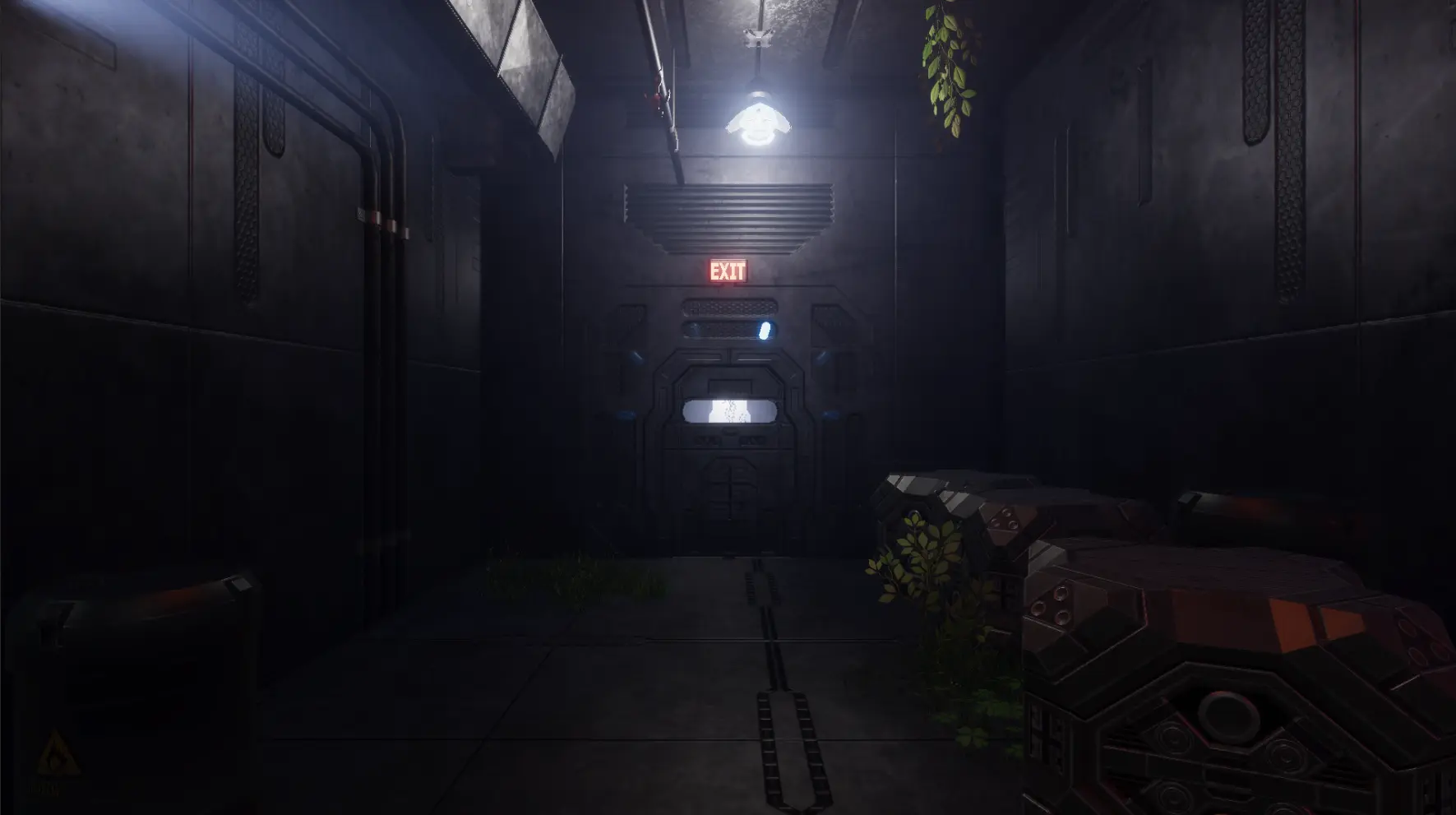
The player begins inside an abandoned, overgrown futuristic military base. In the starting room, there's a large door that seems to lead outside. Surrounding this door are six fuse slots—five of them empty, one active. Pressing 'E' allows the player to pick up the active fuse, which sets the goal: “I need to get out, and I need five more of these blue power things.”
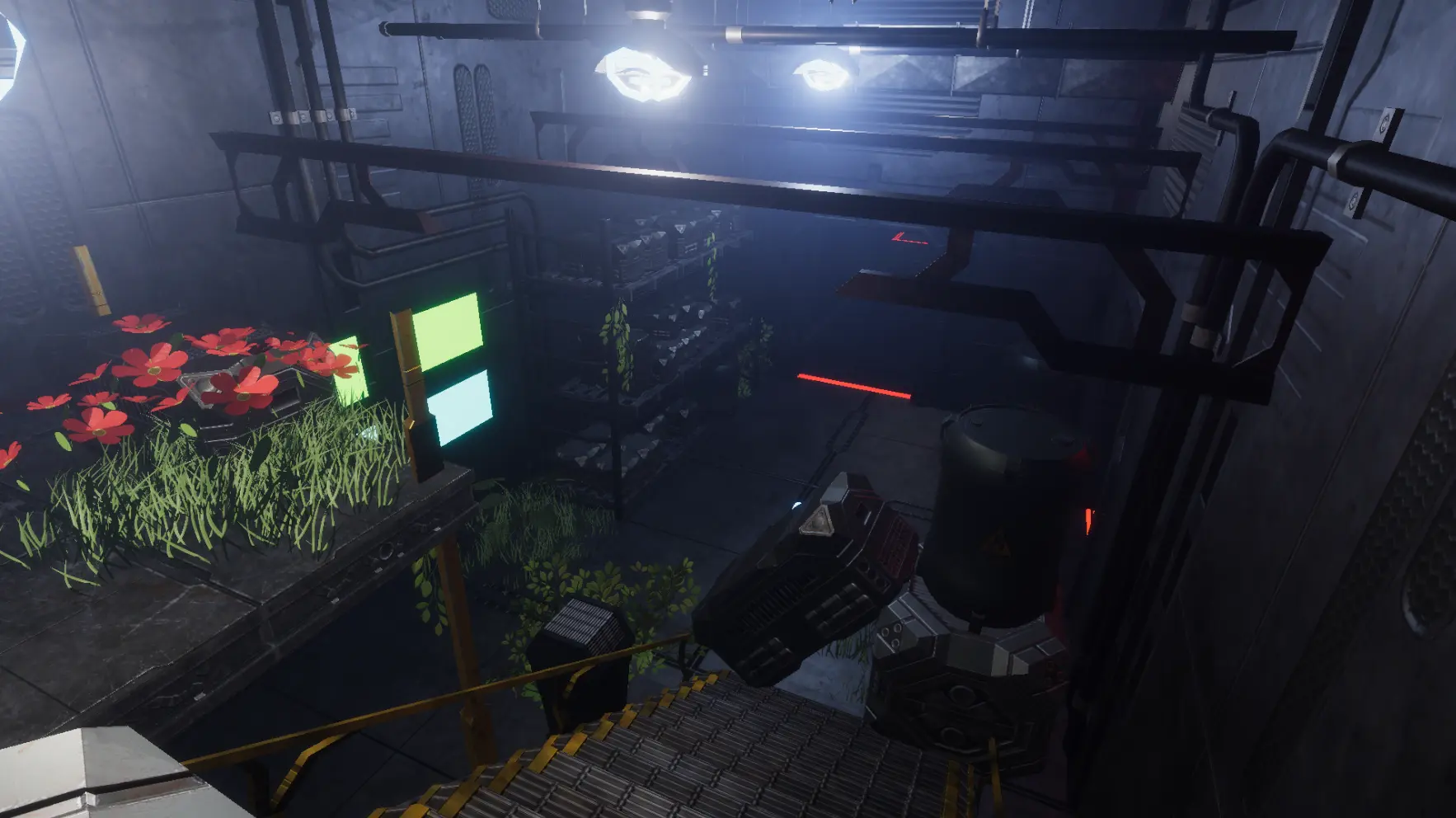
As the player explores, they notice fuse boxes near open, doorway-like areas. A spotlight highlights one of these boxes, drawing attention to it. Upon finding and inserting another fuse, a bridge activates—reinforcing the idea that fuses unlock paths forward.
The next room contains two more fuses and a locked door without a fuse box, suggesting that something else needs to happen. Backtracking and placing the remaining fuses into a different box triggers another bridge. If the player crosses this bridge without first removing two fuses from the earlier box, they’ll be blocked in the next room—learning that fuses must be managed and reused strategically to progress.
Once all six fuses are found and inserted into the final door back in the starting room, it opens—allowing the player to escape.
Designing the puzzle
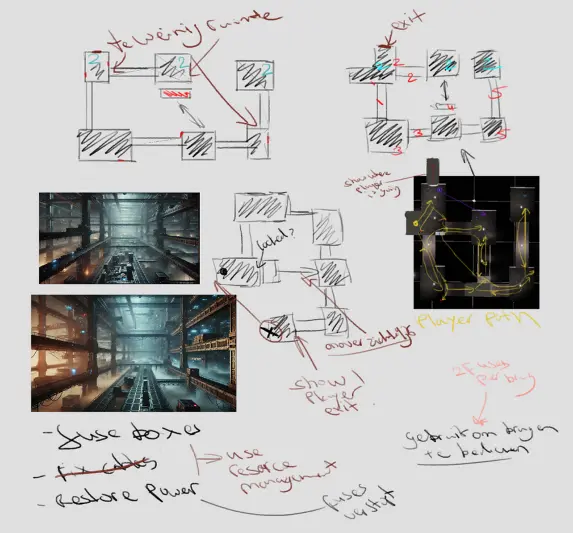
I began by sketching out potential layout ideas for the puzzle. To quickly explore the style and atmosphere I wanted to achieve, I also generated a few AI images for visual inspiration. Once the 2D layout was finished, I created a blockout in Photoshop and mapped out the possible player path from start to finish to assess the puzzle’s complexity. Alongside this, I assembled a few moodboards in OneNote to help solidify the visual direction and overall tone of the environment.
Unity
After finishing all the prep work, I start building the basic functionality in Unity. I chose the HDRP pipeline because it makes it relatively easy to create visually appealing environments. Since I want my scene to have a dark atmosphere, good-looking lighting really helps support the mood of the puzzle. And because this is a small, standalone puzzle environment, performance isn’t a major concern.
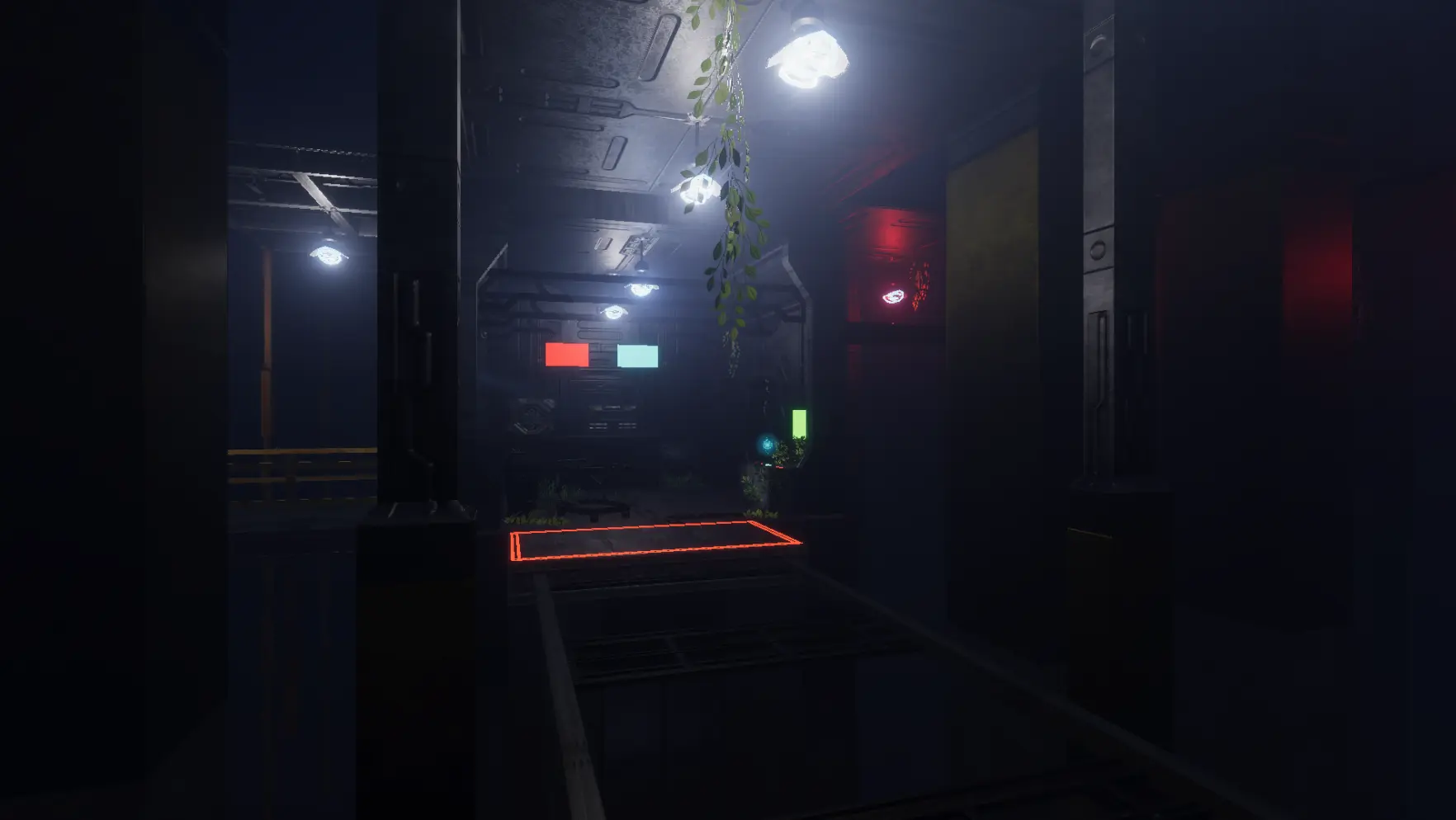
Some in-game screenshots
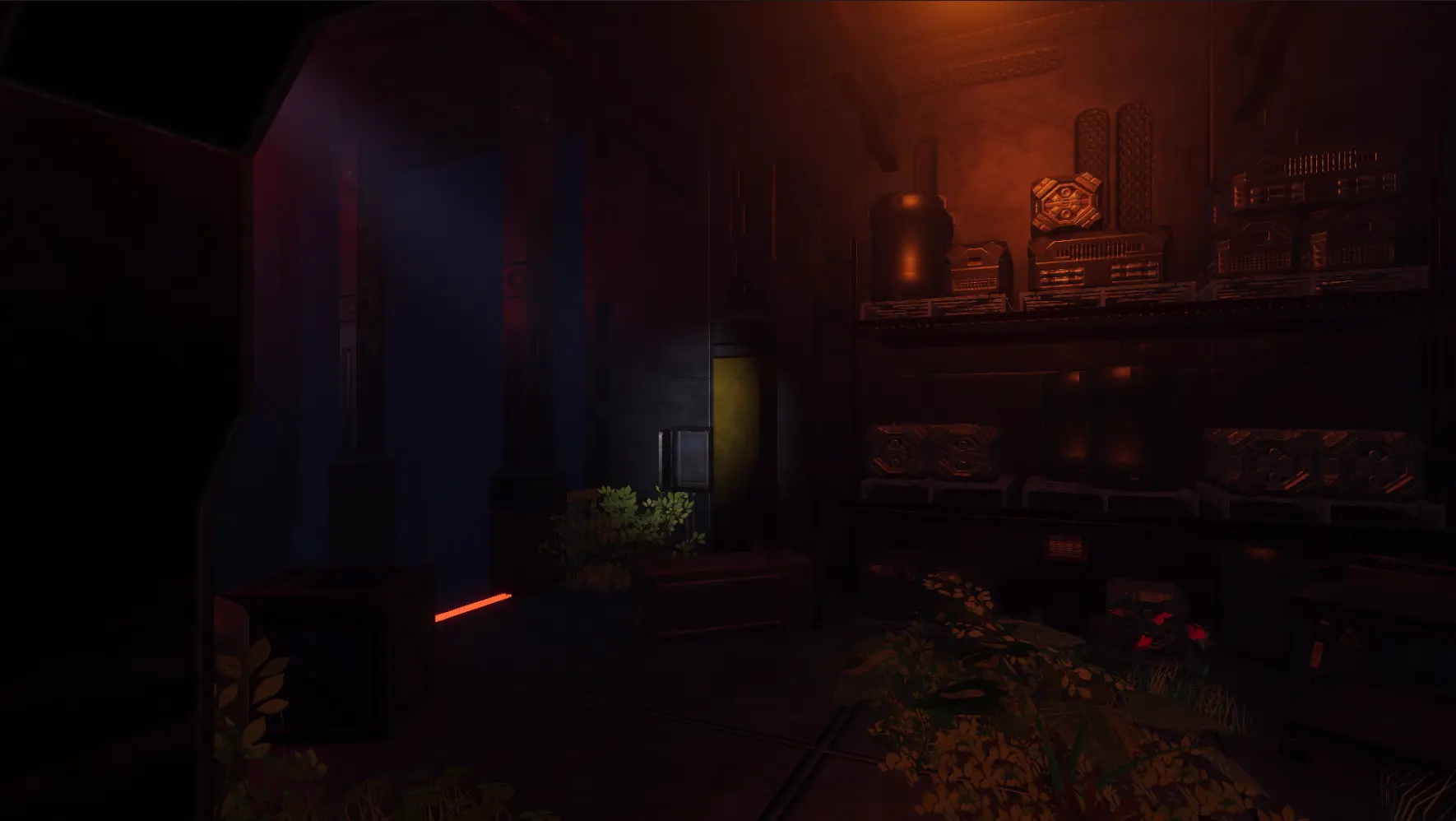
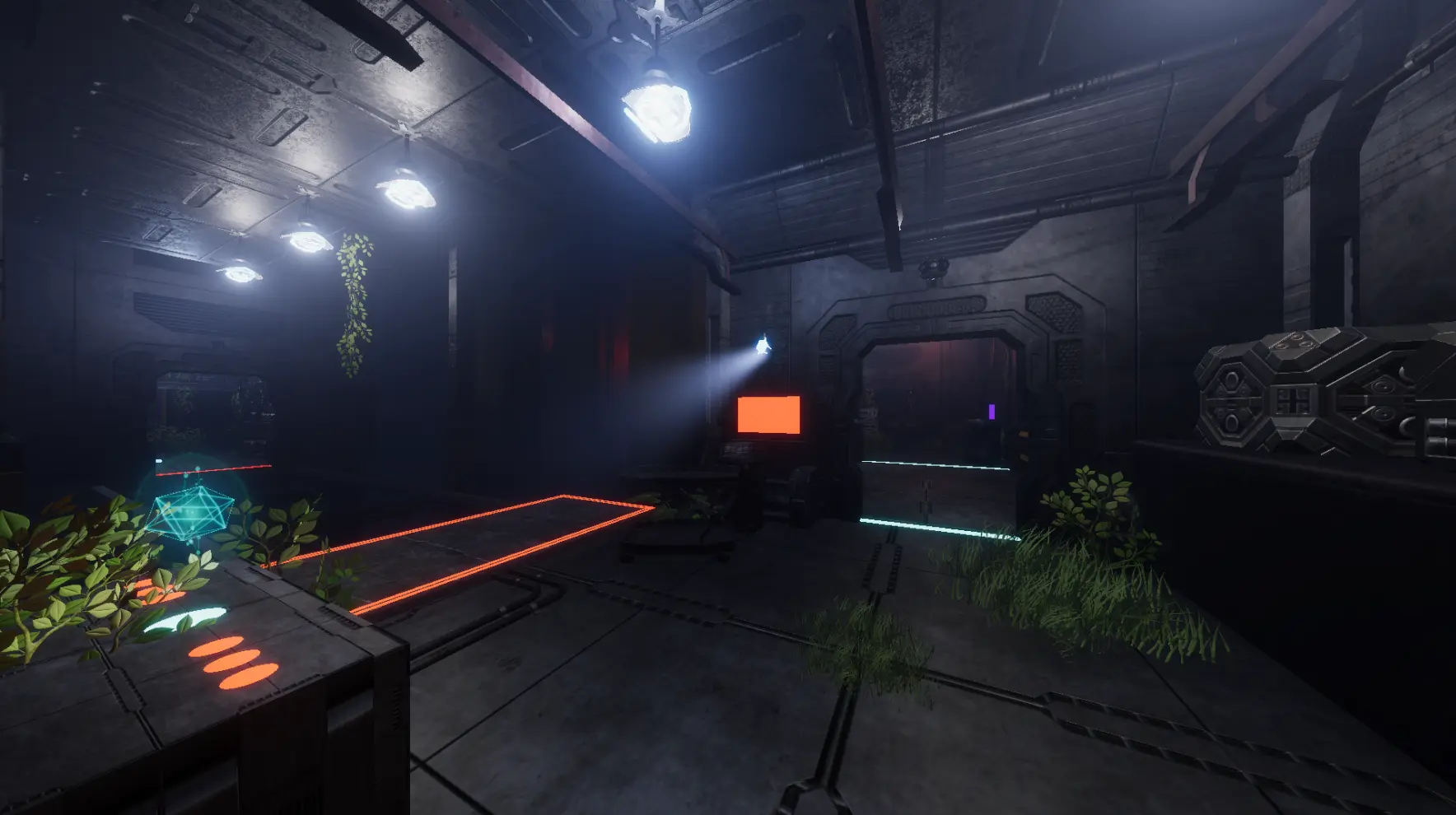
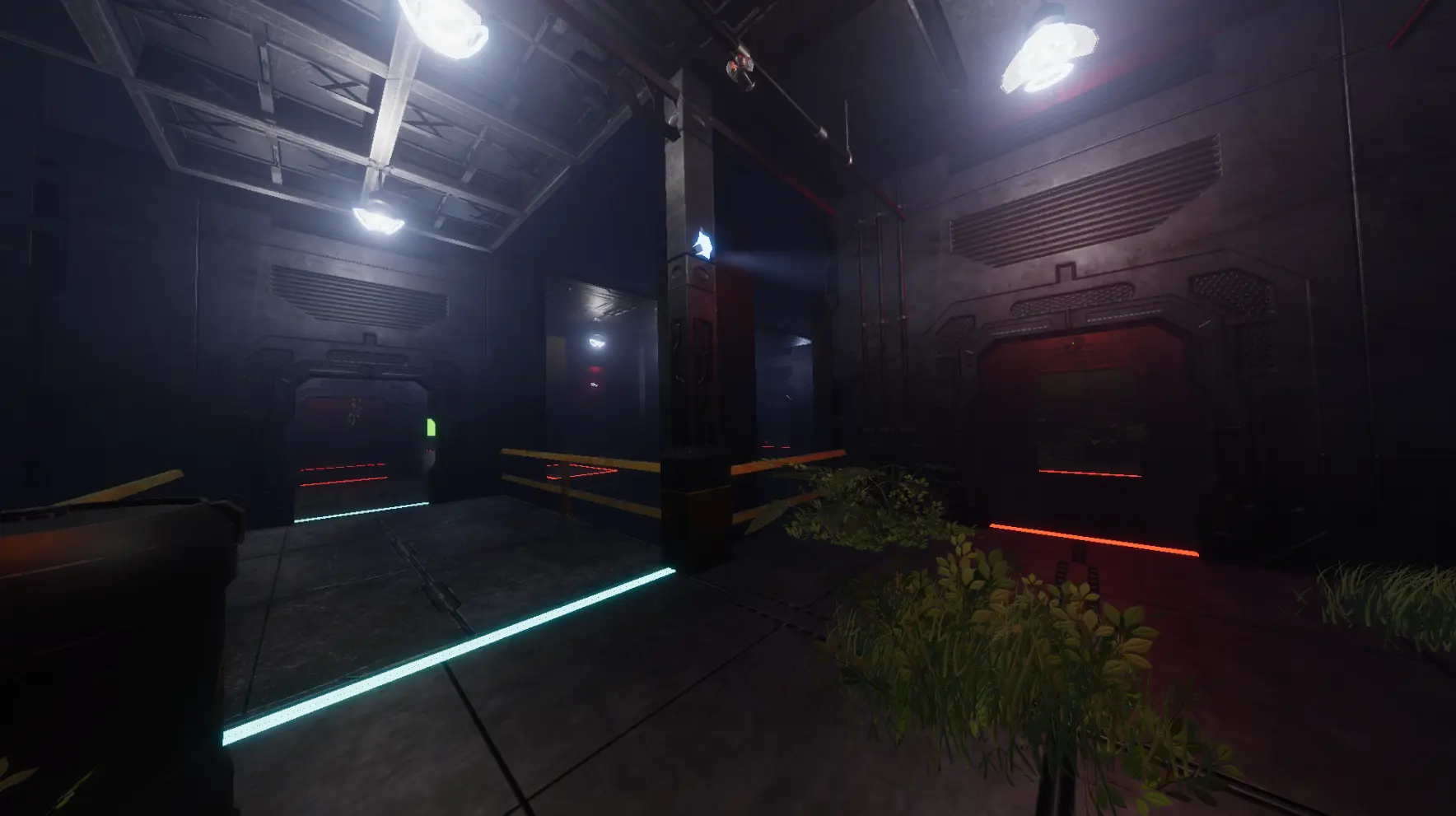
Fuses
For this project, I programmed a few systems needed to make the puzzle functional. I started by creating the system for the player to pick up fuses. It’s a simple check: if the player is within range and presses 'E', the fuse is destroyed and added to a variable in the player’s inventory. This number updates every time the player picks up, places, or removes a fuse.
Bridges
Next, I worked on the moving bridges and fuseboxes. Each fusebox is linked to a specific bridge using a GameObject reference. Inside each fusebox, there are two fuse GameObjects that start off disabled. When the player is within interaction range and presses 'E', the system checks if they have a fuse. If they do, it enables the first available fuse in the box and deducts one fuse from the player's inventory. Removing a fuse works the same way, just in reverse. The connected bridge then checks if both fuses in its corresponding fusebox are enabled. If they are, the bridge moves up. If either fuse is removed and the box no longer has two active fuses, the bridge moves back down.
Lights
Each fusebox holds an array of lights and GameObjects—these are the floor lines that lead up to each bridge. When there are two fuses inside the box, it waits for a short moment, then changes the lights to white and updates the materials on the floor lines to reflect that the connection is active. If the number of fuses drops below two, the lights and floor lines are switched back to their inactive state.
Escape door
The escape door works similarly to the bridges. It checks how many fuses are currently active, and if all six are enabled, the door moves upward to open. At the end of the hallway, there's a trigger collider that ends the game when the player enters it.