


The Idea.
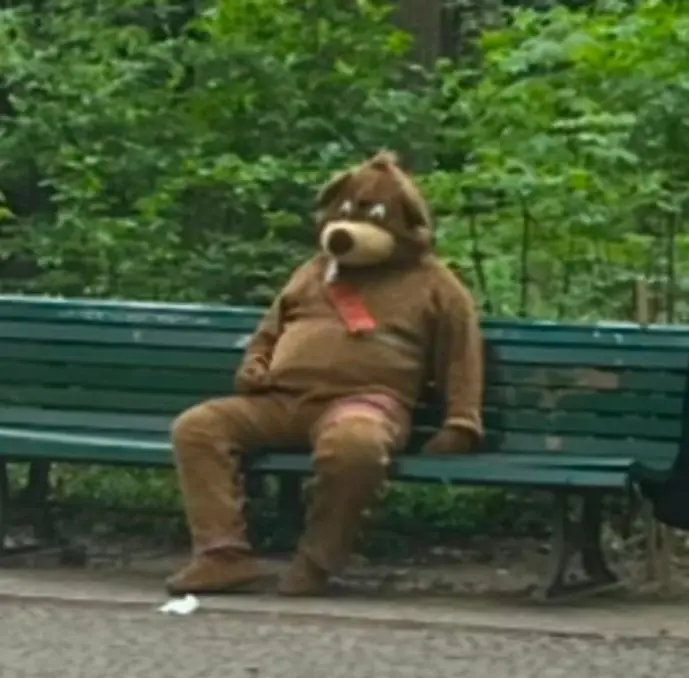
For this HKU project, we spent a few days in Germany and were tasked with creating an interactive experience based on something we encountered or experienced during the trip. While walking through a park near the Brandenburger Tor, we saw someone sitting on a bench wearing a really creepy bear suit. He wasn’t doing much—but the way he moved made it feel like he could get up at any moment and come after you. That unsettling moment stuck with us, and it became the inspiration for the small horror game we ended up making.
Gameplay.
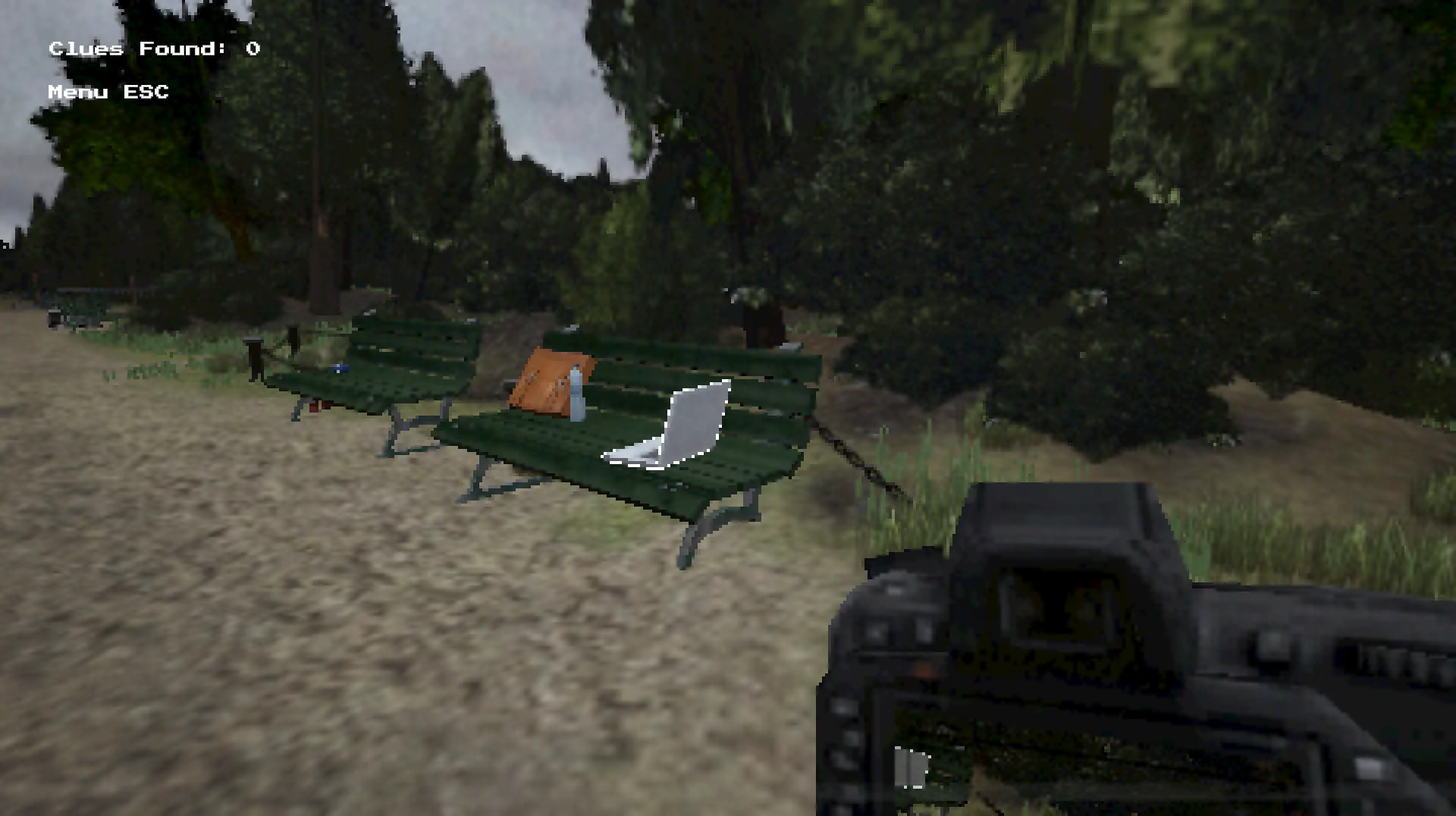
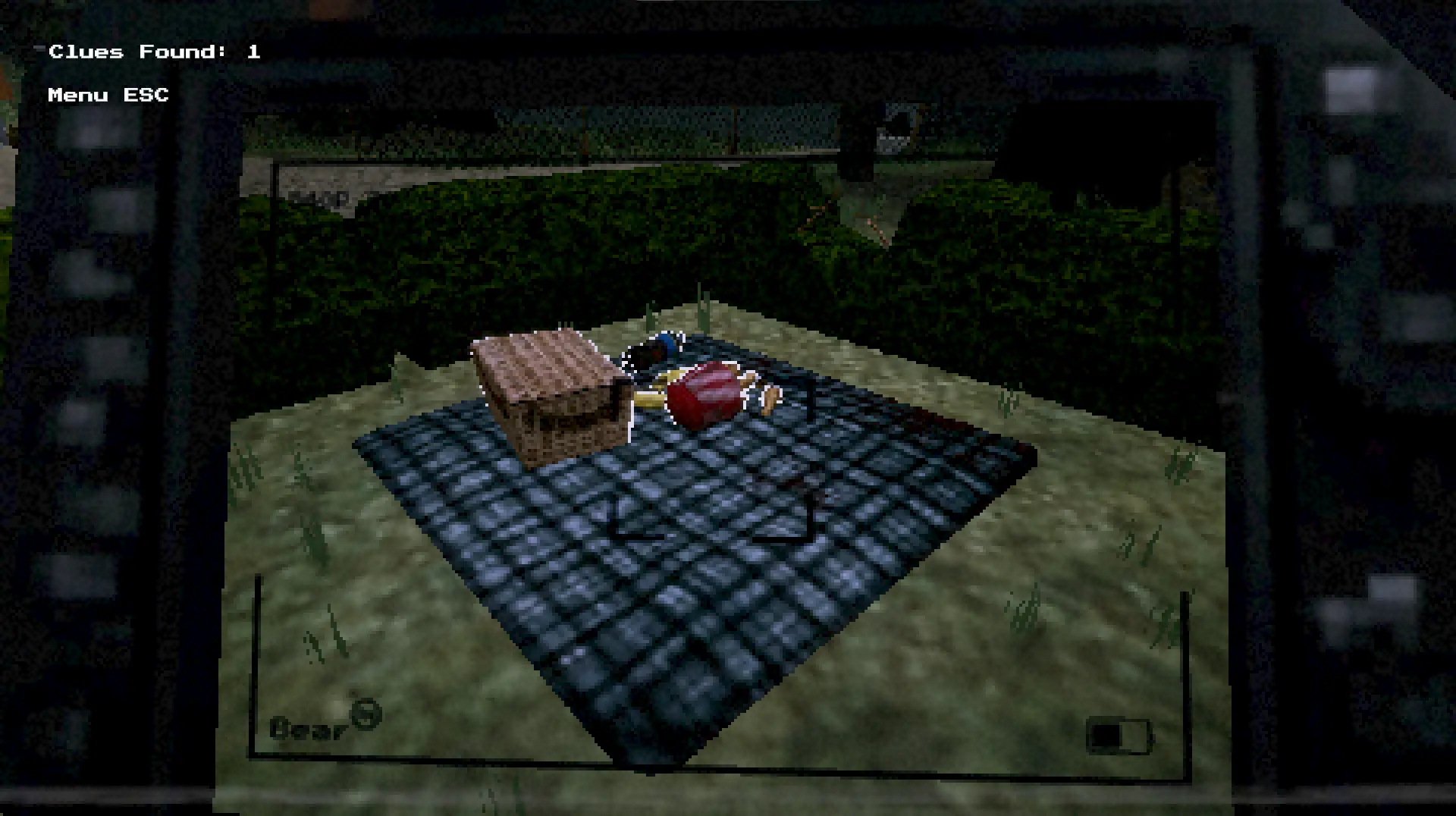
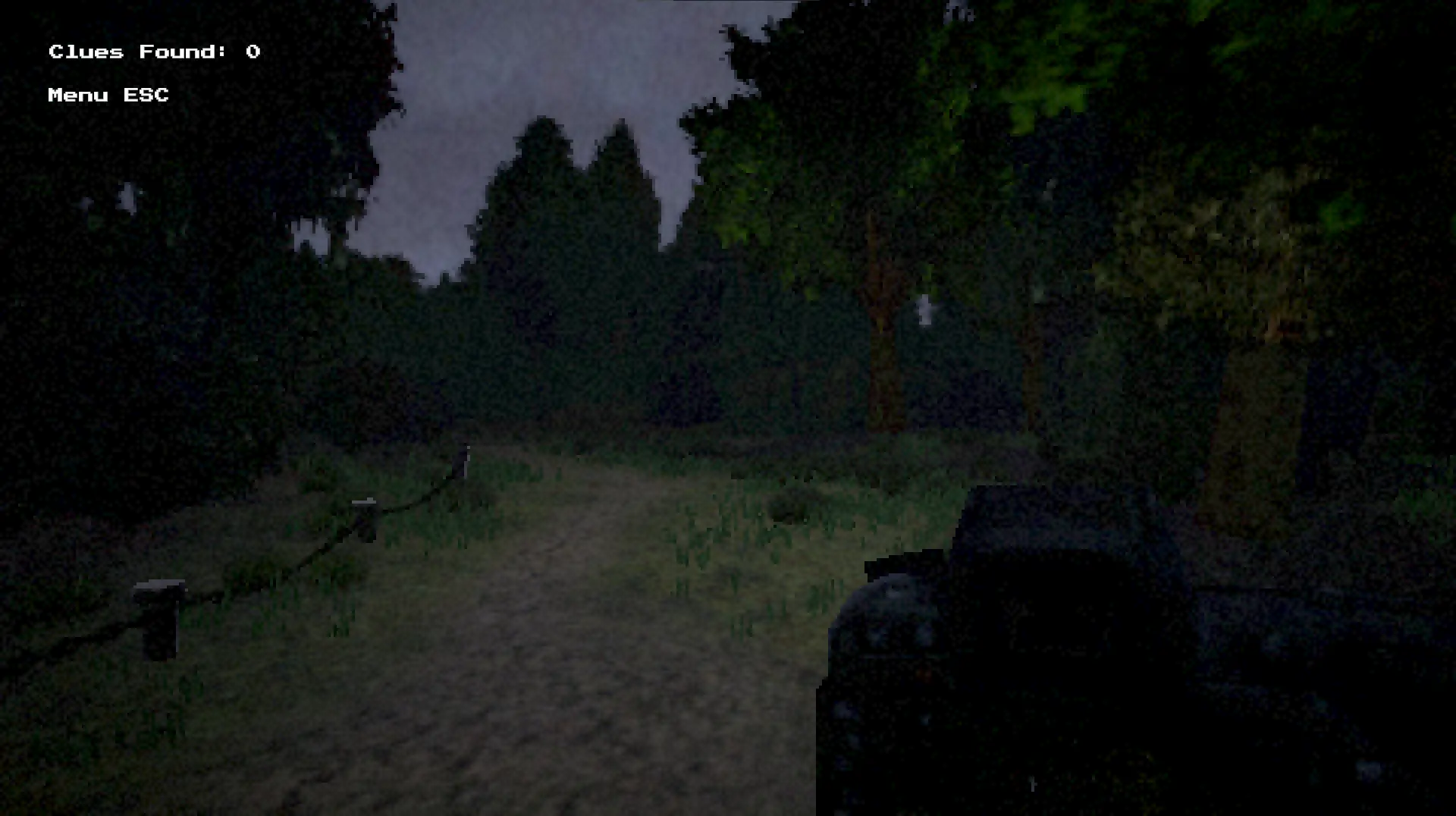
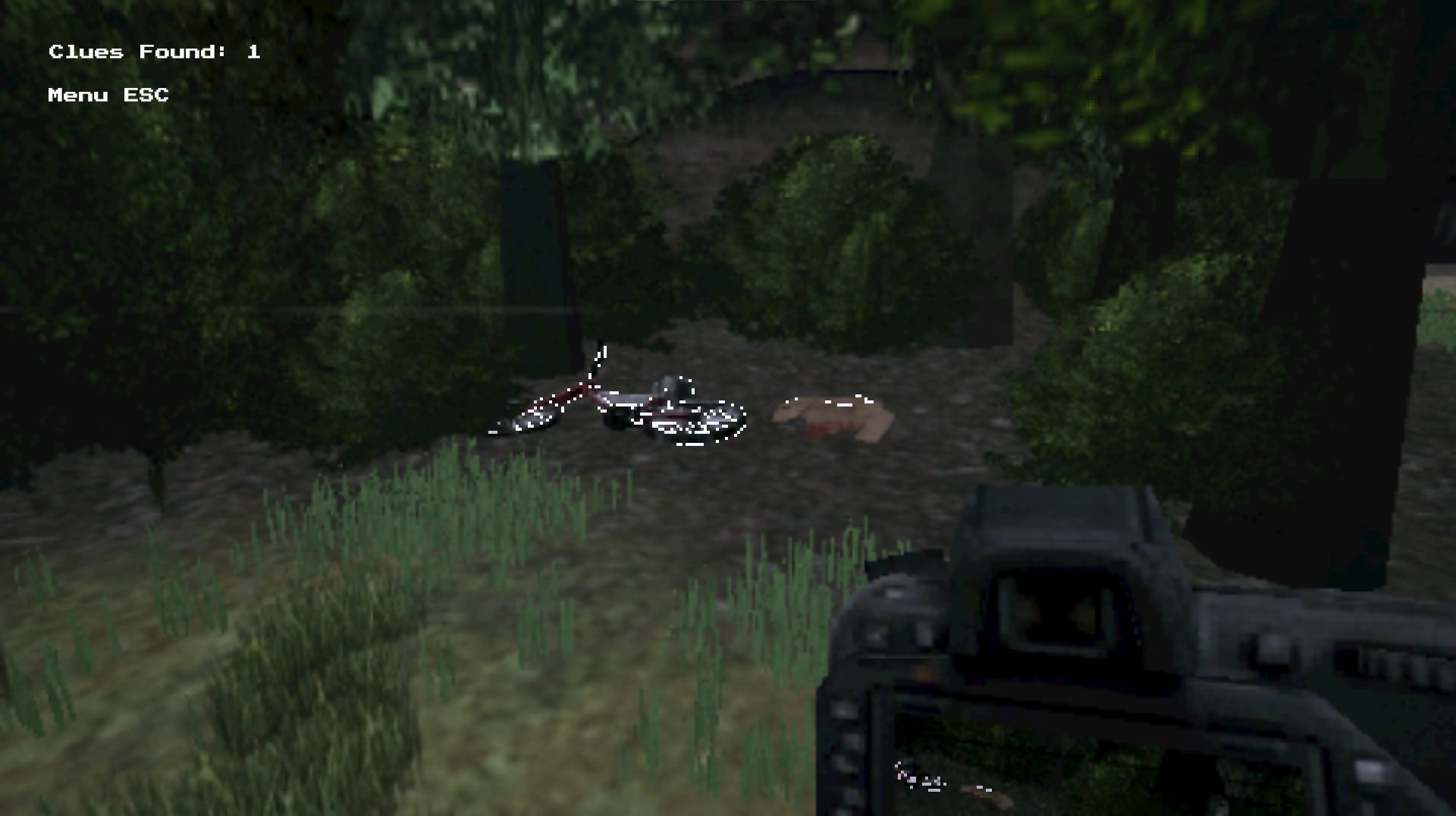
In this game, you play as a private investigator searching for evidence in a park after people start going missing. Your goal is to prove that a bear is behind it—by taking photos of clues hidden throughout the environment. As you collect more evidence, the atmosphere becomes increasingly unsettling: birds stop chirping, the visuals grow darker, and if you photograph the wrong things, the bear begins to hunt you. For the visual style, we took inspiration from old PlayStation Portable horror games. That rough, grey, slightly “ugly” aesthetic helped us capture the eerie, gritty vibe we were aiming for—something that felt right at home in a place like Berlin.
My Role.
Since we were a team of five artists, I took on the role of developer. I set up the Unity project with a clear folder structure for everyone to follow and handled the GitHub setup. One of the first things I built was a basic first-person controller and the pixel overlay effect, which was an important part of our visual style. Getting this done early allowed the artists to start building the level and see how everything would look in-game.
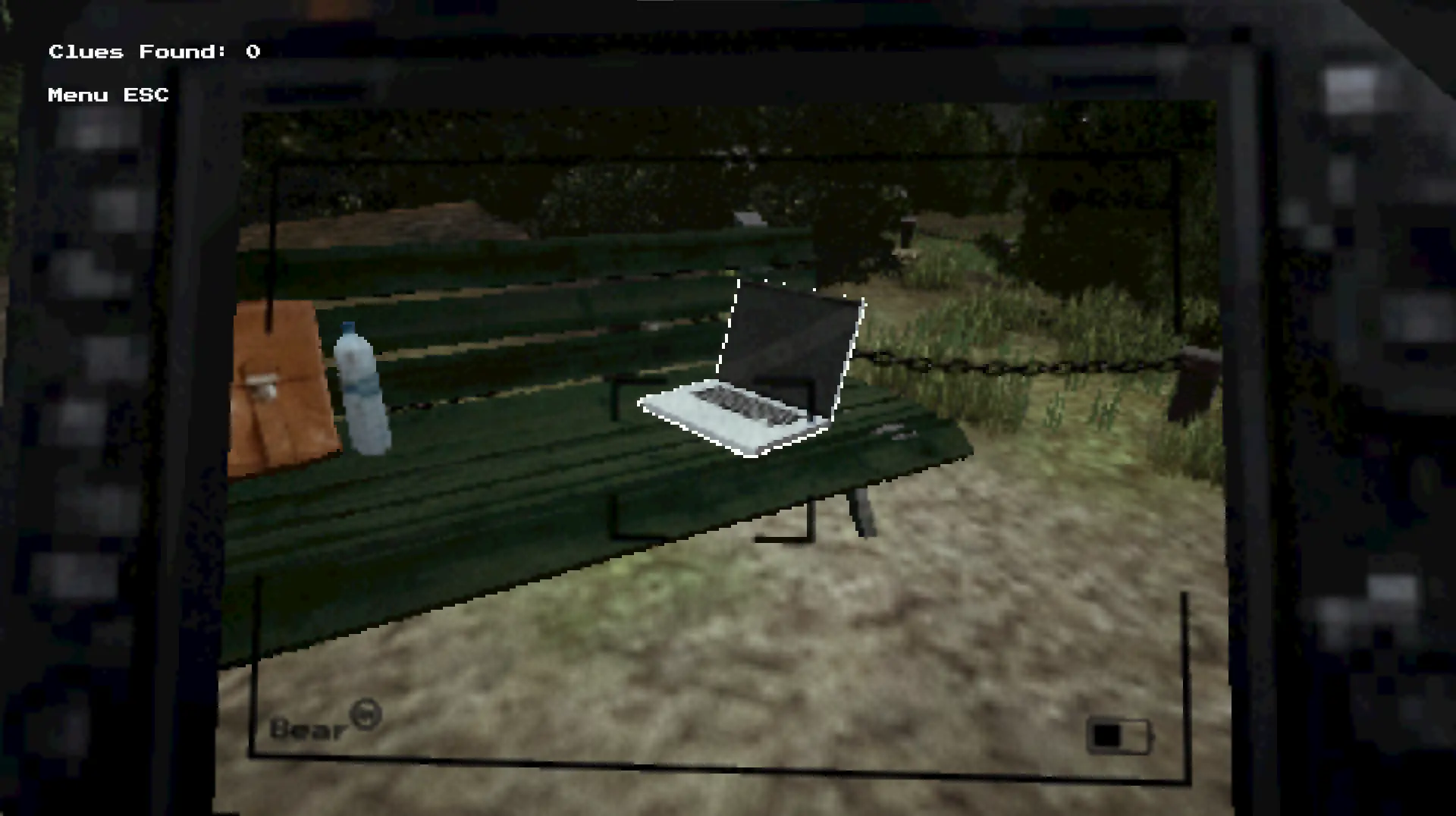
After that, I set up the functionality for the in-game camera the player holds. I used a RenderTexture and a second camera positioned where the lens would be, giving us a live preview of what the camera sees. I also added a simple zoom-in animation when the player aims, and made it so pressing ‘C’ captures a photo while zoomed in.
To support changes in tone, I added an array for post-processing volumes and skyboxes, so we could easily shift the atmosphere after each photo is taken. I also created a simple outline shader for important clue objects, and set up a system that checks if the player is in range and correctly photographing a clue—if so, it counts as a valid photo.
Foto's
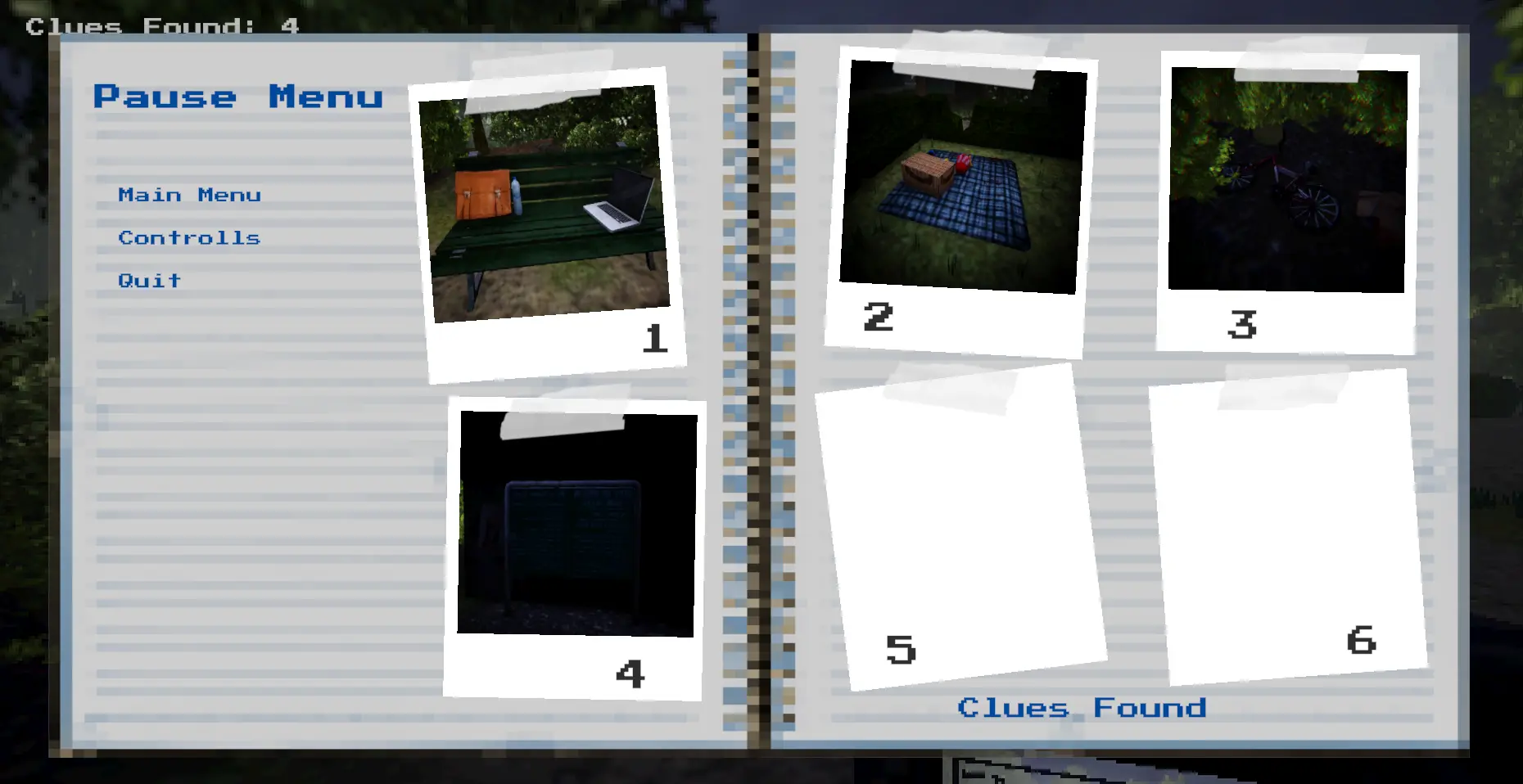
The photos the player takes are displayed in the pause menu. To make this work, I had to dive into Unity’s dynamic loading and saving system to ensure the correct images were loaded at runtime. It was a bit of a challenge to get everything working smoothly, but in the end, it all came together as intended
Menu's
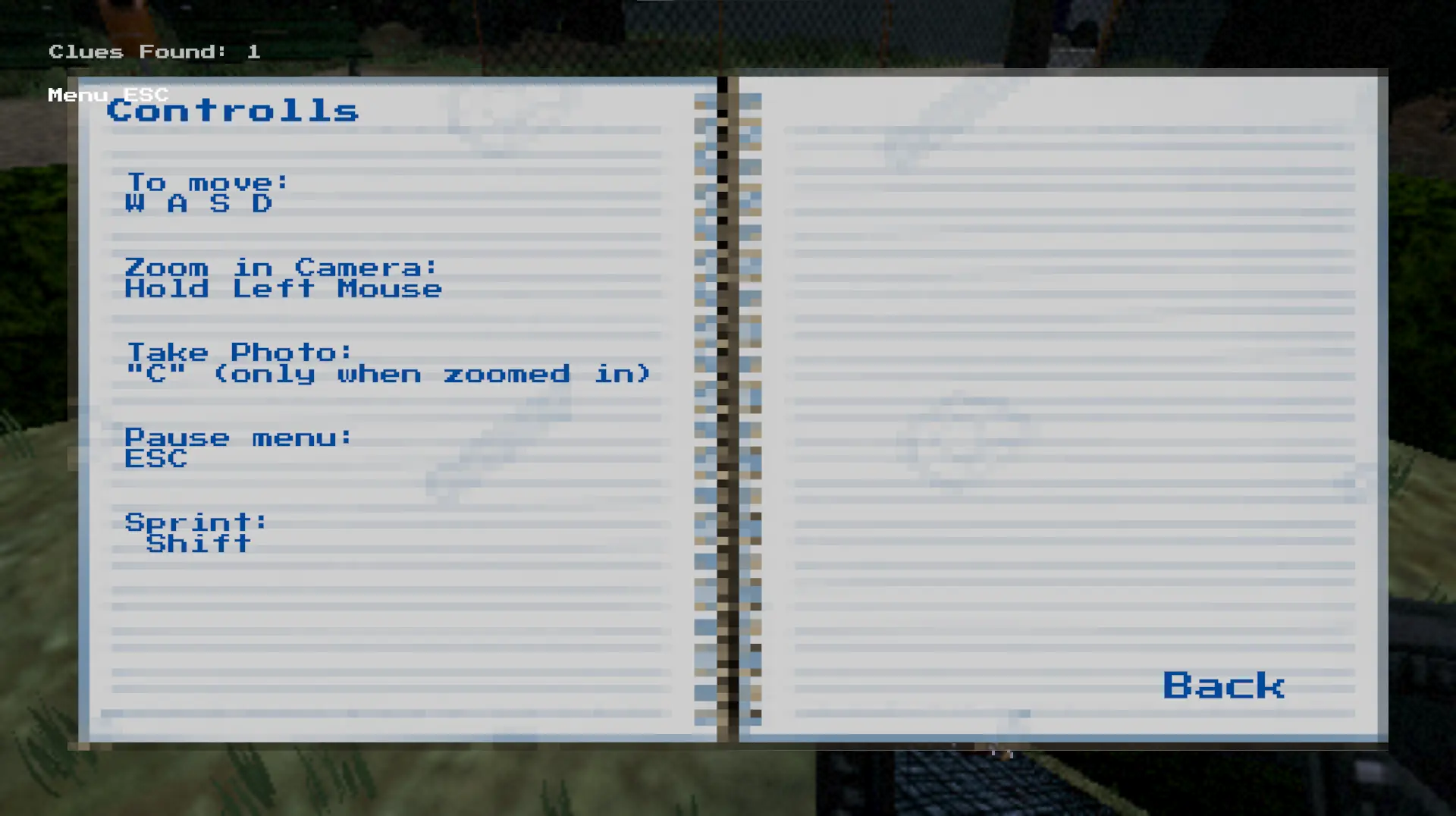
I was also responsible for designing and implementing the menu system. Since the player takes on the role of a reporter, I thought it would be fitting to use a notebook as the menu background. I designed the notebook in Photoshop and found a voxel-style font on Dafont to match the game's look. I then set up the button functionality to toggle between the different menu screens—resulting in a simple but effective and themed menu system.
The Bear.
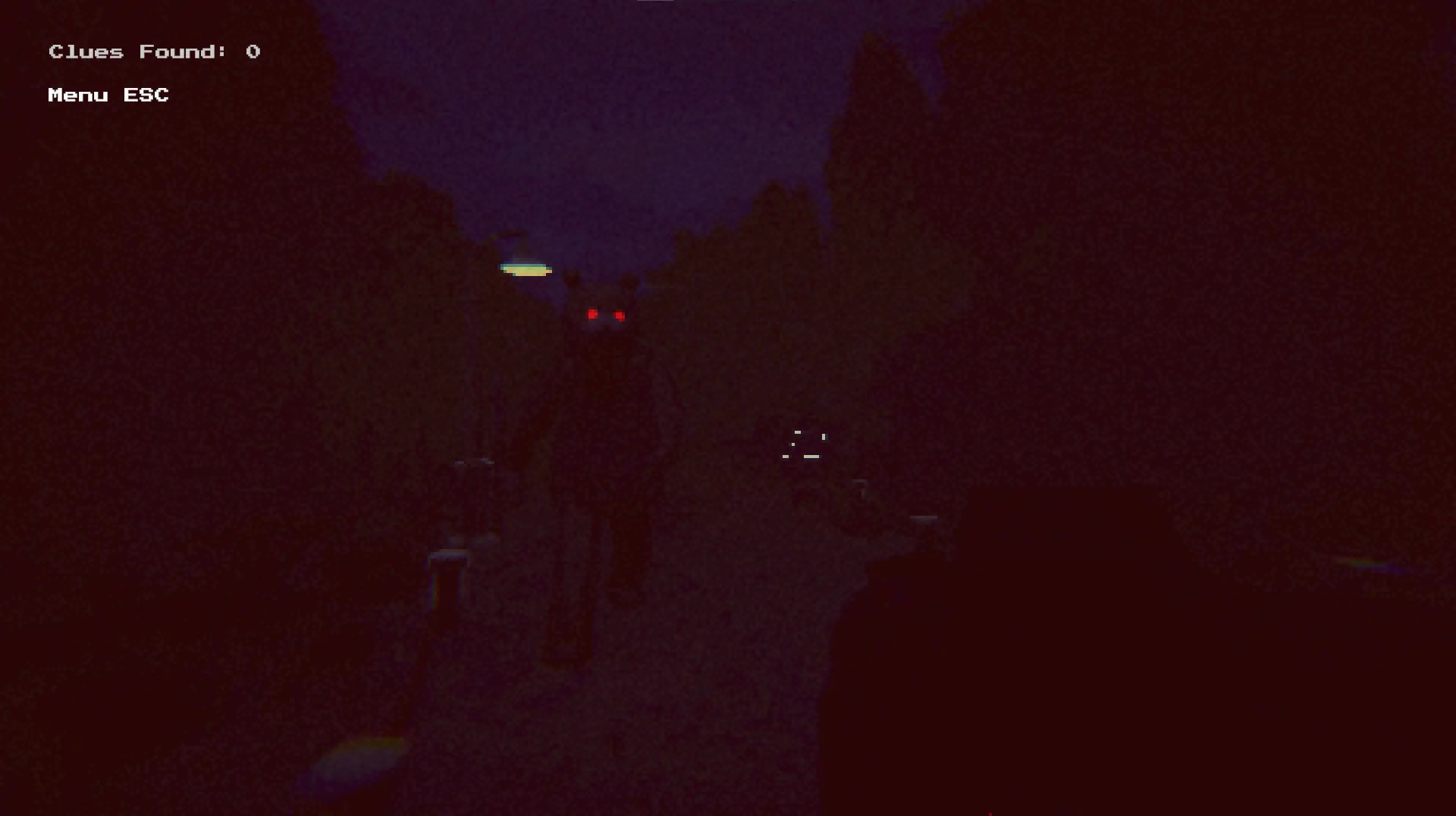
The bear appears after the player has taken 7 photos. (The model and animation were done by a classmate.) I baked the NavMesh for the level and set up the bear to spawn outside the player’s immediate range—making sure it wouldn’t appear inside objects or outside the playable area. To build tension, I added a curve that increases the bear’s speed the longer it’s chasing the player. Since the bear was hard to spot in the dark environment, I gave it glowing red eyes and added a red UI element that gets more intense the closer the bear gets. And finally, if the bear catches up and collides with the player—game over.